

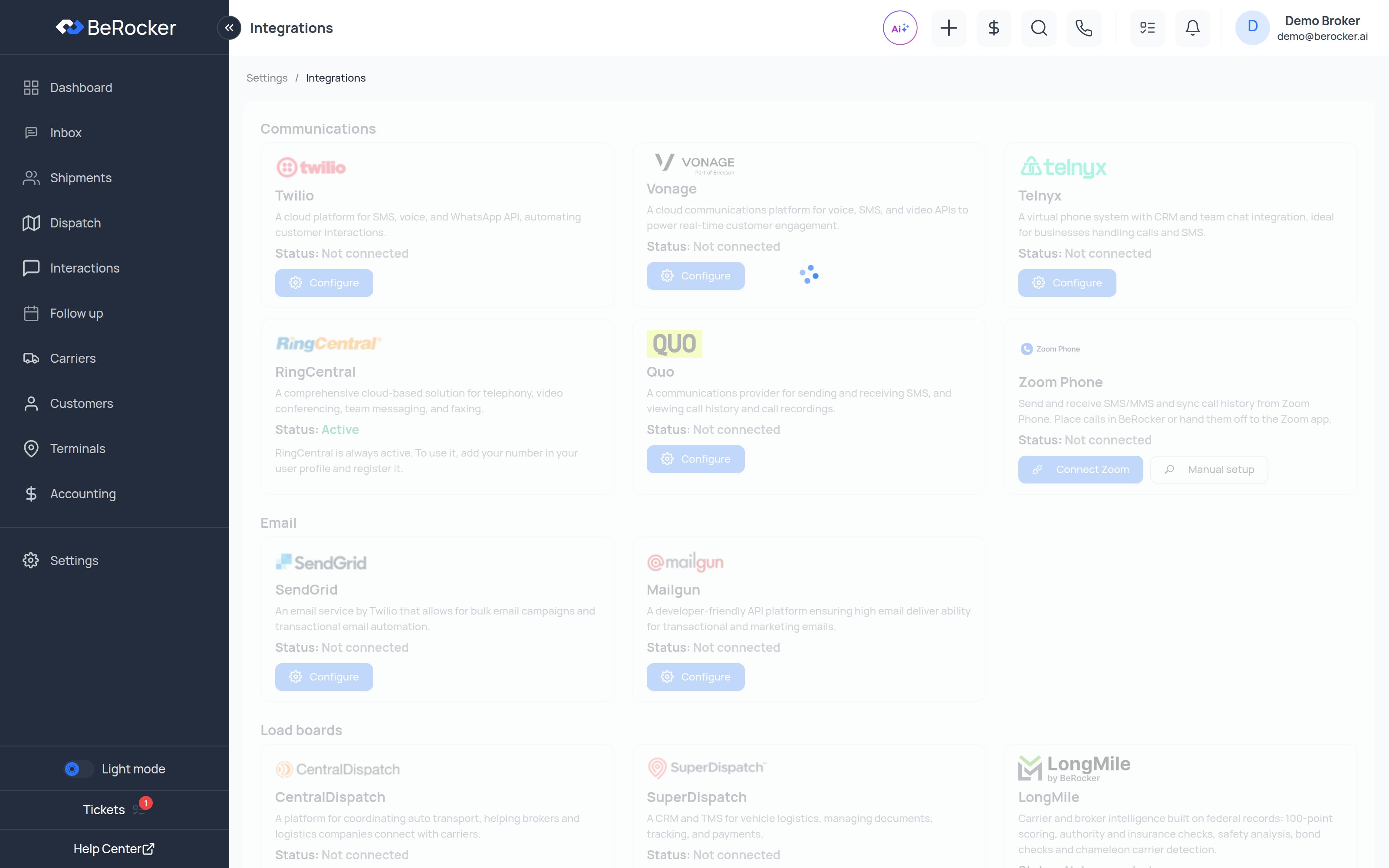
You only need the services you actually use. For a working CRM you need at least one
communication provider and one email provider.
Communications
Setup guides: Twilio ·
RingCentral ·
Telnyx ·
Vonage ·
Zoom Phone
Setup guides: SendGrid ·
Mailgun ·
Gmail
Load boards
Setup guides: Central Dispatch ·
Super Dispatch ·
LongMile
Posting behaviour — auto-unposting, order import and price updates — is configured separately in
Carriers and Loadboards.
Payment Gateway
Expand your business by accepting payments from customers.Configure opens Settings → Integrations → Payment Gateways, where you connect the processors and choose your default.
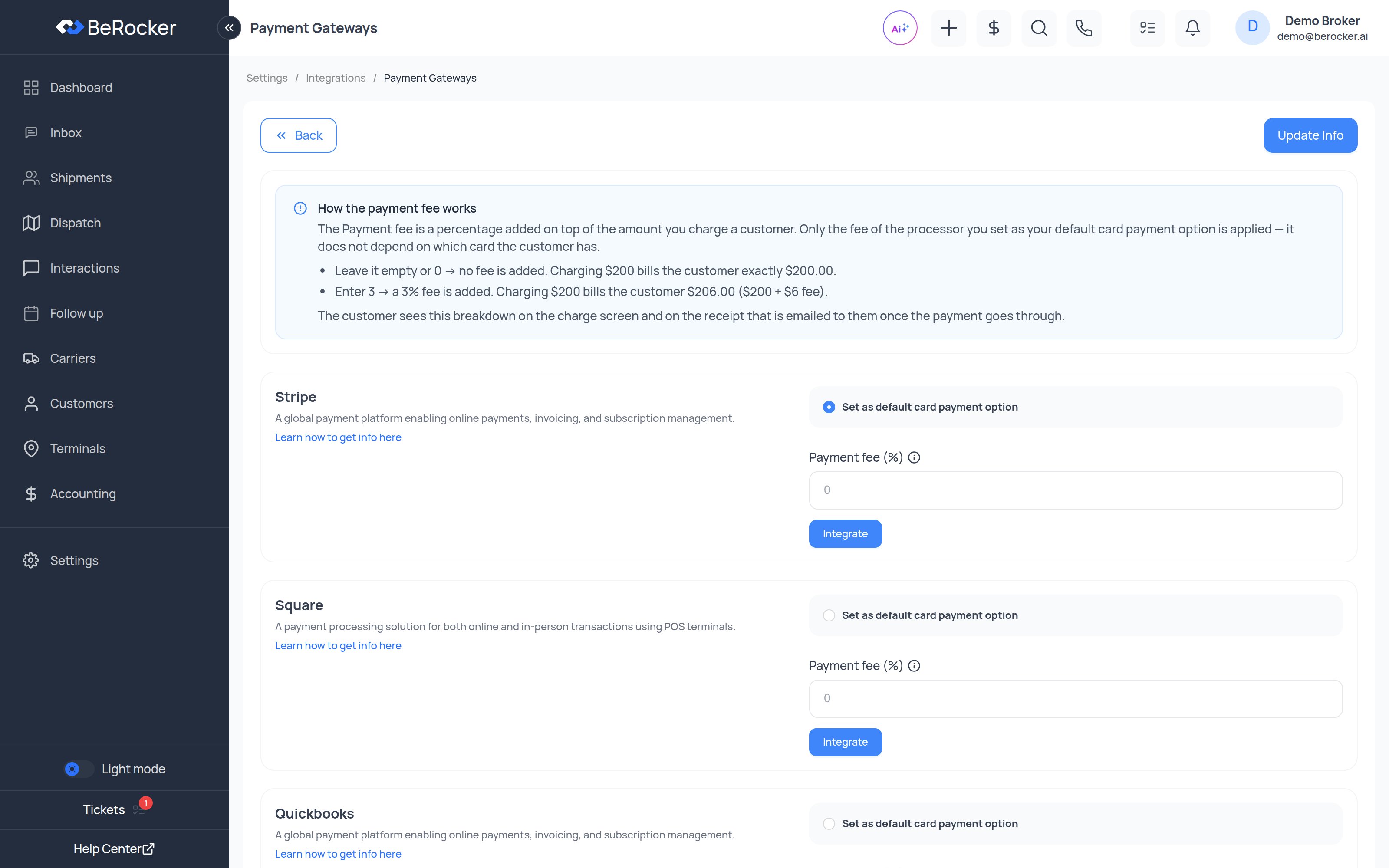
Only Stripe, Square and Authorize.Net can tell whether a saved card is credit, debit or
prepaid. If you pass card processing fees on to customers and waive them for debit, your default
processor has to be one of those three. See Accounting.
Reconnecting
OAuth connections expire or get revoked. When one does, BeRocker shows a banner asking you to reconnect. Reconnect it rather than dismissing the banner — a disconnected load board silently stops posting.FAQ
What happens if I skip integrations?
What happens if I skip integrations?
The CRM cannot send messages, place calls or post to load boards. Integrations are not optional
extras — they are what makes the CRM do anything.
Can I change providers later?
Can I change providers later?
Yes. Disconnect and connect a different one from this page at any time. Remember to update your
team’s User Contacts to point at the new provider.
How do I know it worked?
How do I know it worked?
The card shows Status: Active in green.
Can I use two providers at once?
Can I use two providers at once?
Yes. RingCentral for calls and Twilio for SMS is a common setup. Each user contact picks its own
provider.
Related
Profile
Point your own number at a connected provider.
Carriers and Loadboards
How posting behaves once the boards are connected.
MCP connection
Use BeRocker from Claude.
Email parsing
Turn provider emails into leads.