

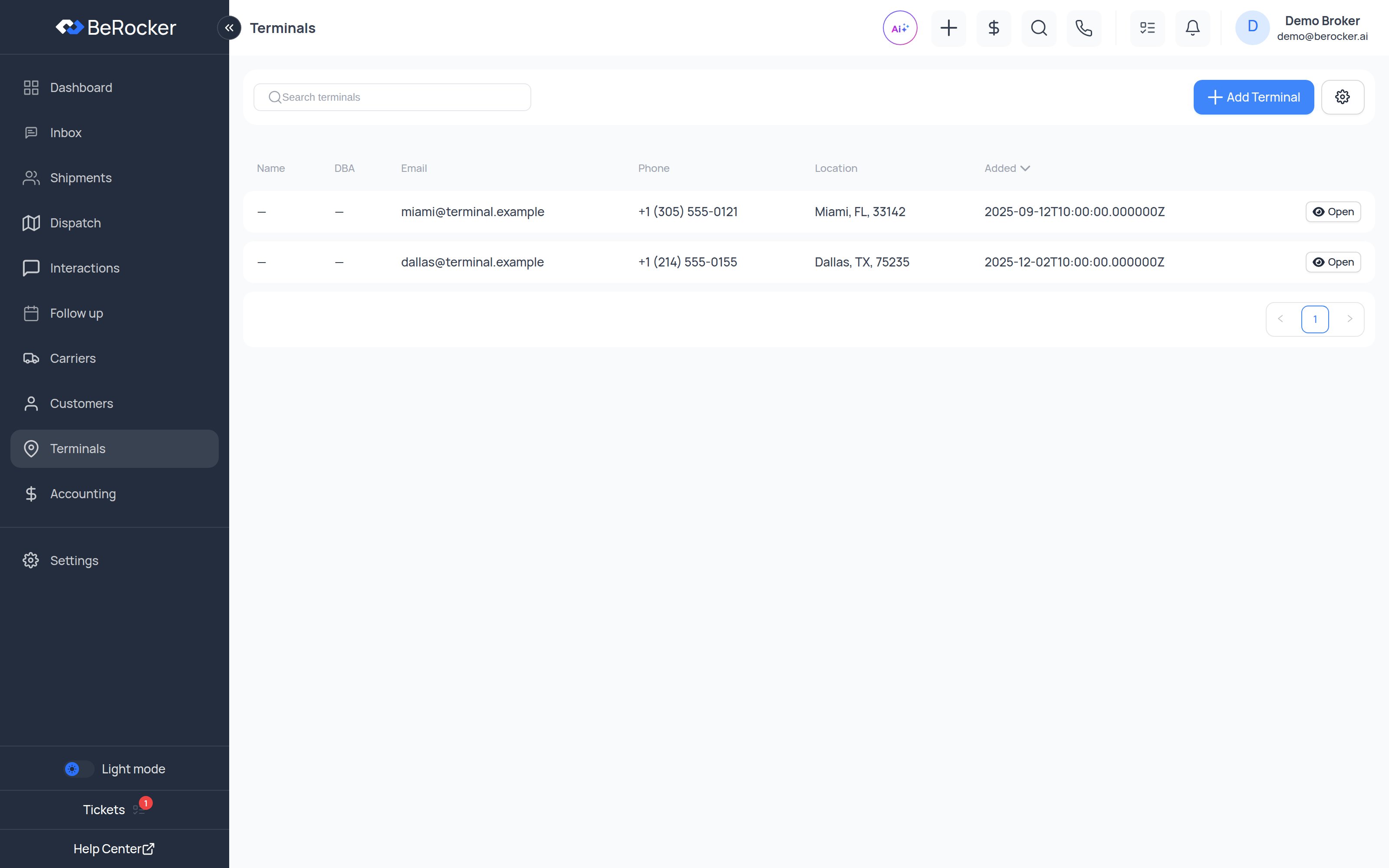
A terminal record
The list shows Name, DBA, Location, Phone, Email and Added, with a Search
terminals box and an Add Terminal button.
The terminal profile
- Orders
- Contacts
Every shipment that has picked up from or delivered to this terminal.
Ports and ocean shipping
If your organization does ocean shipping, Settings → Business also gains Ports and Port Route tabs for port-to-port, port-to-door and door-to-port routing. Those are separate from terminals — see Business.Importing terminals
Import terminals from SuperDispatch is in the menu next to Add Terminal. Bulk file import is under Settings → Lead Management → Import data.Related
Customers
The other half of the address book.
Shipments
Where terminals get used.