

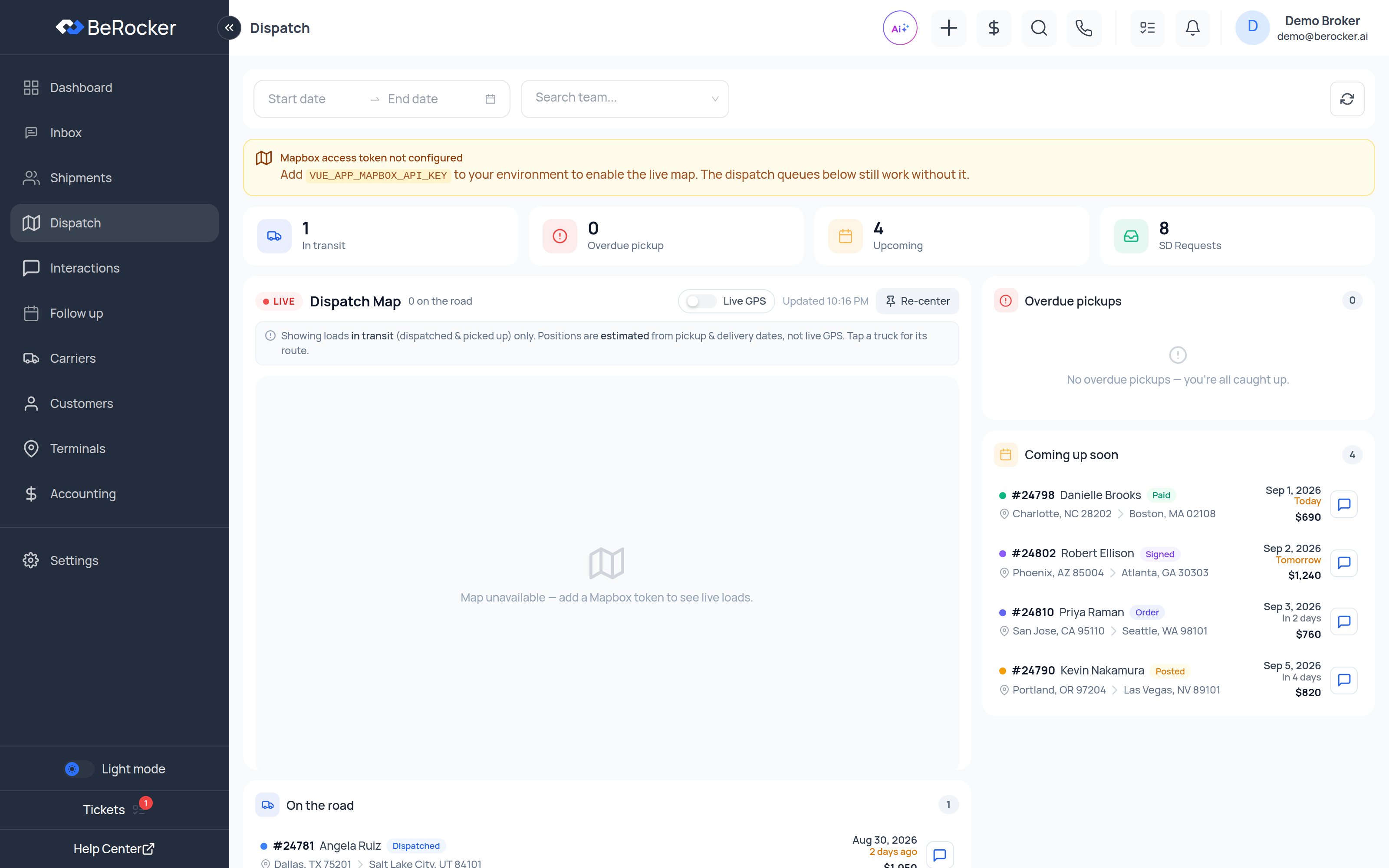
The map
Each pin is a load. Click one to see the lane, the carrier, the pickup and delivery, and to jump into the conversation. Positions come from two places, and the map tells you which:
Re-center puts the map back over your loads after you have panned away.
The queues
On the road
Every load currently in transit. Empty until carriers start picking up.
Overdue pickups
Loads whose pickup date has passed with no pickup reported. Work these first.
Coming up soon
Pickups scheduled in the next two weeks.
SD Requests
Posted loads with open Super Dispatch offers waiting on a yes or no.
Filters
The filter bar at the top is the same one the Dashboard uses: date range, agent, and email-leads-only. Narrow it to one agent to see just their loads.Related
Shipments
The same loads as a filterable table.
Carriers and Loadboards
Auto-unposting, order import and price updates.
Super Dispatch
Connect the board that supplies live GPS.
Carriers
Who is hauling for you.