

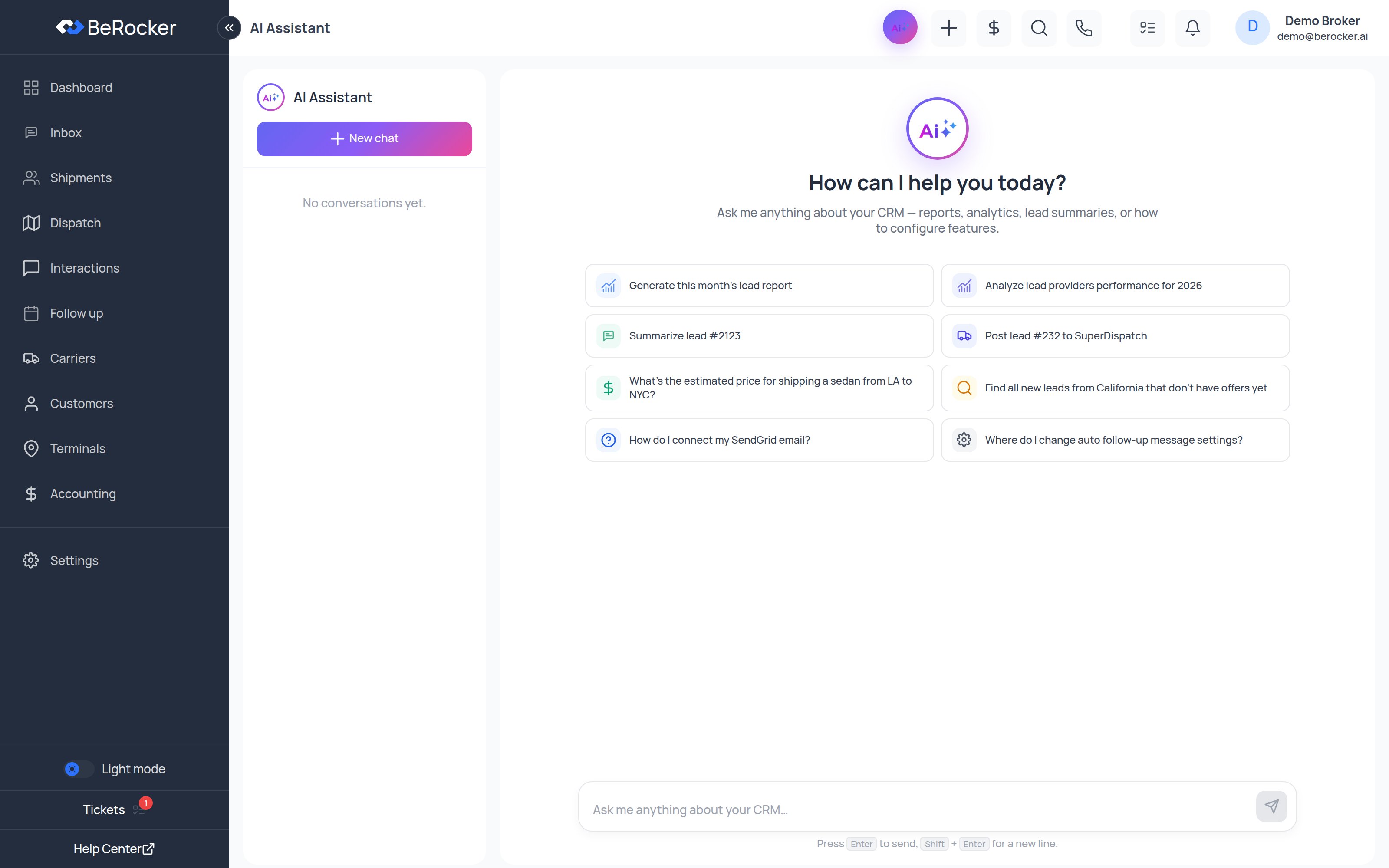
What to ask it
The starter prompts on the empty screen are a good guide to what it is built for:- Generate this month’s lead report
- Analyze lead providers performance for 2026
- Summarize lead #2123
- Post lead #232 to SuperDispatch
- What’s the estimated price for shipping a sedan from LA to NYC?
- Find all new leads from California that don’t have offers yet
- How do I connect my SendGrid email?
- Where do I change auto follow-up message settings?
Conversations
The left sidebar keeps your previous conversations. New chat starts a fresh one; you can delete any conversation you no longer want. Replies stream in as they are generated, so you see long answers building rather than waiting on a blank screen.What it can see
Everything the assistant reads is scoped to your organization. It cannot see another company’s leads, and it respects the same boundaries your account does.The same thing outside the CRM
If you would rather ask these questions from Claude, ChatGPT or another AI tool you already use, BeRocker exposes the same capabilities over MCP. See Connecting BeRocker to Claude (MCP). The in-app assistant and the MCP connector share the same tools, so you get the same answers either way.Related
MCP connection
Use BeRocker from Claude.
Dashboard
The same numbers as charts.