

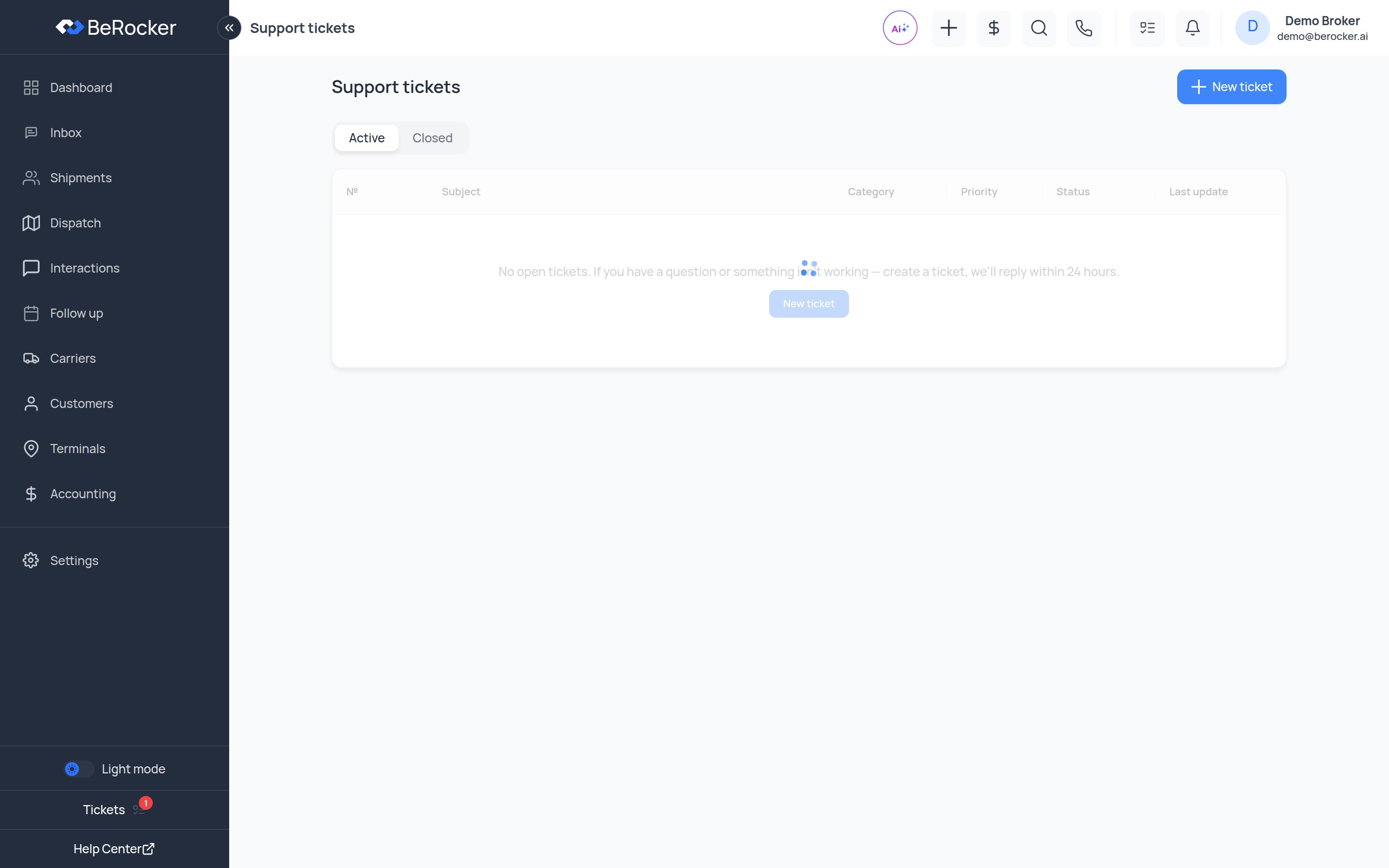
Raising a ticket
1
Click New ticket
From Tickets → New ticket.
2
Fill it in
- Subject — one line saying what is wrong.
- Category — Technical, Onboarding, Billing or Other.
- Priority — Low, Normal, High or Urgent.
- Description — what you expected, what happened, and which lead or screen it happened on.
- Attachments — screenshots and screen recordings; they cut resolution time more than anything else you can do.
3
Send
You get a ticket number, and replies are also emailed to the contact address shown on the
ticket.
Ticket statuses
The conversation
Open a ticket and you get the full timeline: your messages, our replies, attachments, and status events along the way. Reply from the box at the bottom and attach files as needed. When it is sorted, click Problem solved to close it. If you close one and the issue comes back, the closed ticket shows “This ticket is closed. Need help again?” so you can start a fresh one with the history right there.When to use something else
Related
Contact Support
Every way to reach the team.
Troubleshooting
Common problems you can fix yourself.