

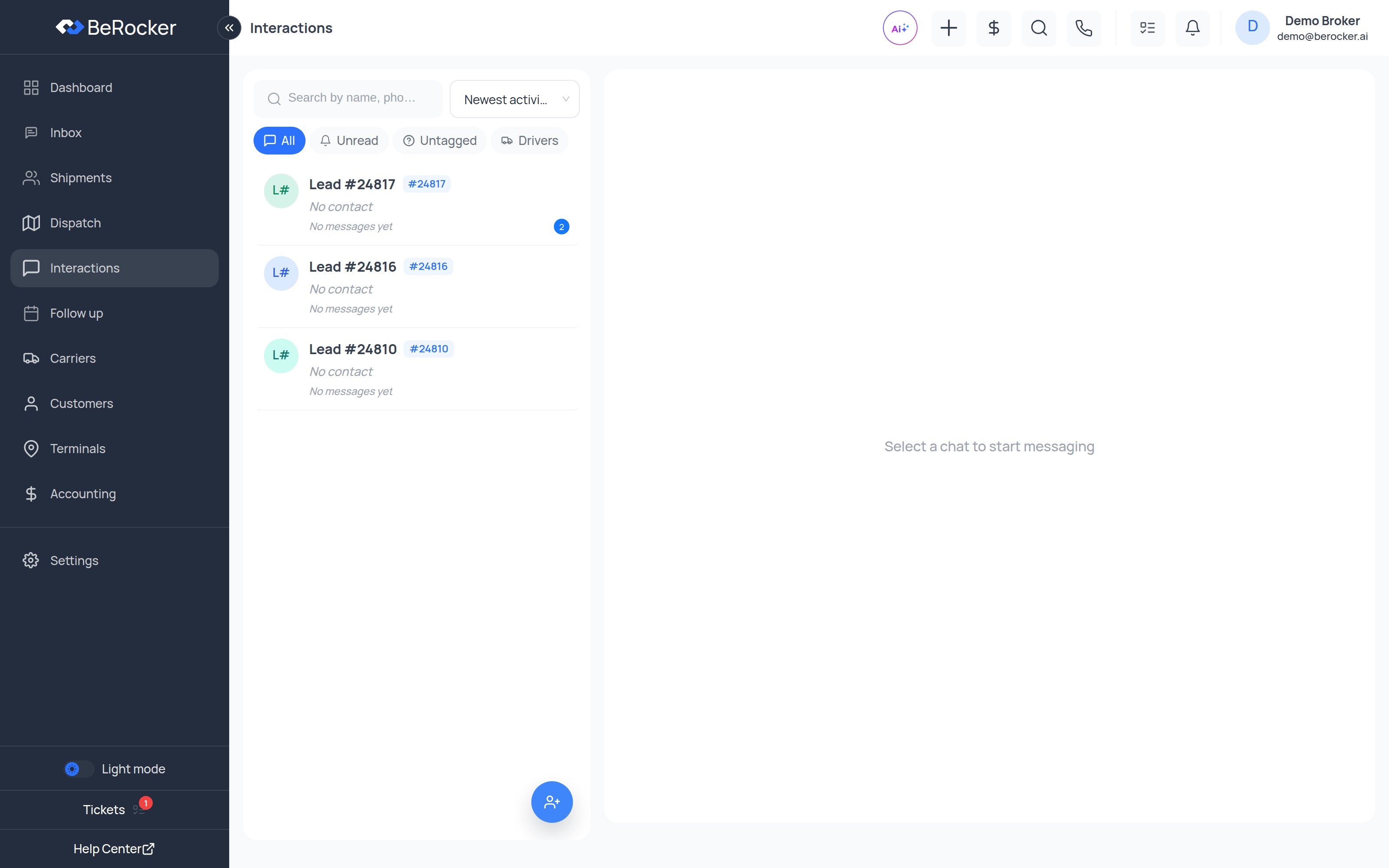
- A carrier or driver calling about a load.
- A customer texting from their second phone or their spouse’s phone.
- A wrong number, or a reply to a message that was forwarded on.
The filters
Sort by Recent or Oldest, and search by number or message text.
What to do with one
Open the conversation and you can:1
Read the thread and reply
You can text or call back from here exactly as you would in the Inbox — the whole thread,
recordings and transcripts included.
2
Link it to an existing shipment
If it is a customer on a different phone, attach the conversation to their lead. It merges into
the lead’s thread in the Inbox and stops being “unknown”.
3
Save it as a driver or carrier contact
If it is a driver, save them against the carrier. Future calls from that number arrive already
identified.
4
Create a new shipment from it
If it is a genuine new customer, create the shipment straight from the conversation instead of
re-typing everything.
Notifications ending up here
If you set your personal notification SMS number or email to the same address you already use as a customer-facing contact, your own notifications will arrive as unknown conversations and clutter this screen. Use a different number and email in Settings → Notifications — see Notifications.Related
Inbox
Where a conversation goes once it is matched to a lead.
Carriers
Save drivers against the carrier record.