> ## Documentation Index
> Fetch the complete documentation index at: https://help.berocker.com/llms.txt
> Use this file to discover all available pages before exploring further.
# Support tickets
> Raise a support request with the BeRocker team from inside the CRM and track it to resolution.
**Tickets** at the bottom of the sidebar is a direct line to the BeRocker team, inside the product.
It is the right channel when something needs a paper trail — a bug, a configuration change, a
billing question — rather than a quick "how do I…".
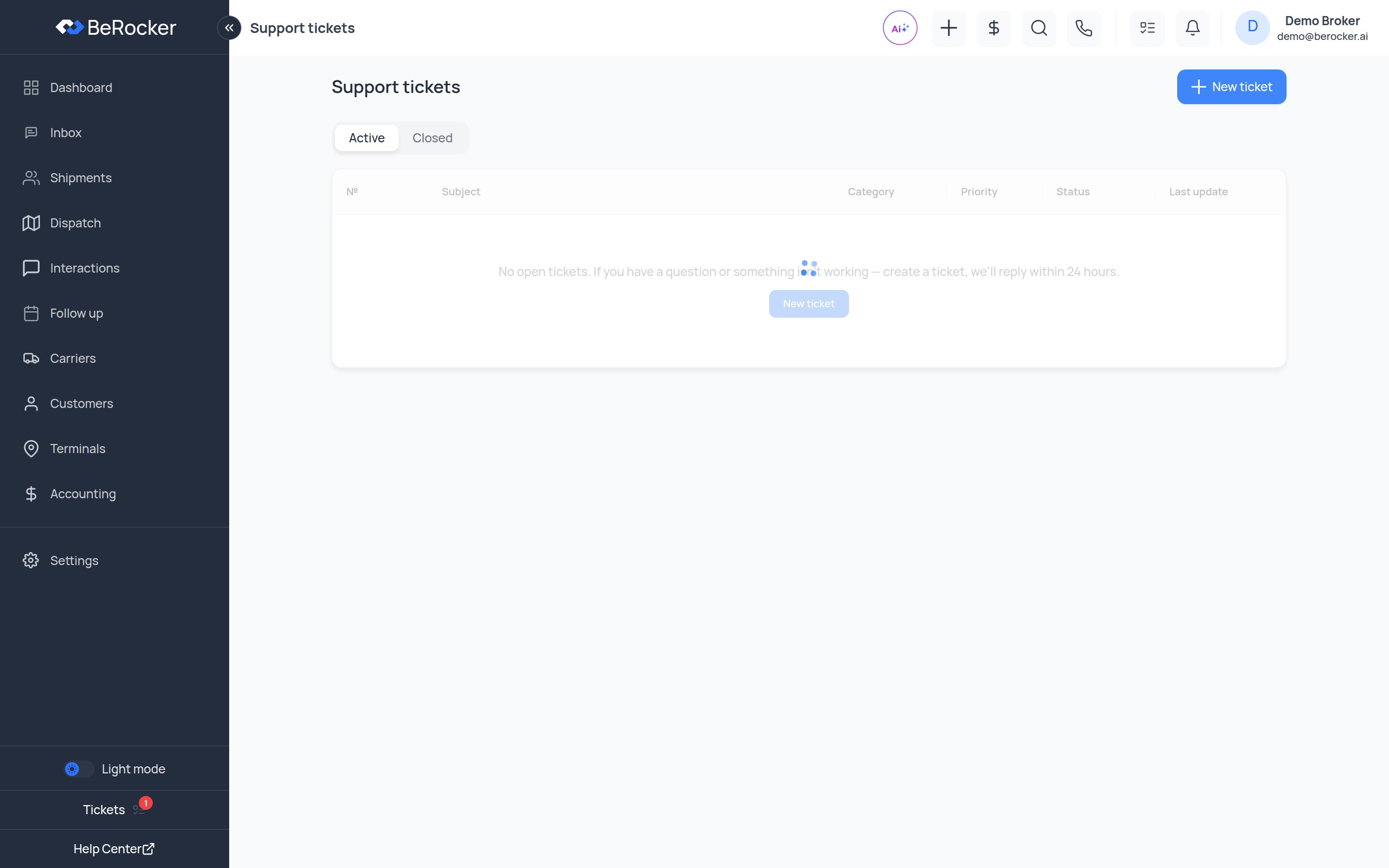 A red badge on the sidebar item means you have unread replies.
***
## Raising a ticket
From **Tickets → New ticket**.
* **Subject** — one line saying what is wrong.
* **Category** — Technical, Onboarding, Billing or Other.
* **Priority** — Low, Normal, High or Urgent.
* **Description** — what you expected, what happened, and which lead or screen it happened on.
* **Attachments** — screenshots and screen recordings; they cut resolution time more than
anything else you can do.
You get a ticket number, and replies are also emailed to the contact address shown on the
ticket.
***
## Ticket statuses
| Status | Meaning |
| -------------------- | ------------------------------------------------------- |
| **Open** | Received, not picked up yet. |
| **In progress** | Someone is working on it. |
| **Waiting customer** | We need something from you before we can continue. |
| **Deferred** | Parked — usually waiting on a release or a third party. |
| **Resolved** | We believe it is fixed. |
| **Closed** | Finished. |
A ticket sitting in **Waiting customer** is waiting on *you*. Those are the ones worth checking
first.
***
## The conversation
Open a ticket and you get the full timeline: your messages, our replies, attachments, and status
events along the way. Reply from the box at the bottom and attach files as needed.
When it is sorted, click **Problem solved** to close it. If you close one and the issue comes back,
the closed ticket shows **"This ticket is closed. Need help again?"** so you can start a fresh one
with the history right there.
***
## When to use something else
| Situation | Best channel |
| --------------------------- | ------------------------------------------------------------ |
| Quick "how do I…" | Your dedicated WhatsApp group, or search this Knowledge Base |
| Urgent outage | Phone — see [Contact Support](/support/contact) |
| Bug, config change, billing | A ticket, right here |
***
## Related
Every way to reach the team.
Common problems you can fix yourself.
A red badge on the sidebar item means you have unread replies.
***
## Raising a ticket
From **Tickets → New ticket**.
* **Subject** — one line saying what is wrong.
* **Category** — Technical, Onboarding, Billing or Other.
* **Priority** — Low, Normal, High or Urgent.
* **Description** — what you expected, what happened, and which lead or screen it happened on.
* **Attachments** — screenshots and screen recordings; they cut resolution time more than
anything else you can do.
You get a ticket number, and replies are also emailed to the contact address shown on the
ticket.
***
## Ticket statuses
| Status | Meaning |
| -------------------- | ------------------------------------------------------- |
| **Open** | Received, not picked up yet. |
| **In progress** | Someone is working on it. |
| **Waiting customer** | We need something from you before we can continue. |
| **Deferred** | Parked — usually waiting on a release or a third party. |
| **Resolved** | We believe it is fixed. |
| **Closed** | Finished. |
A ticket sitting in **Waiting customer** is waiting on *you*. Those are the ones worth checking
first.
***
## The conversation
Open a ticket and you get the full timeline: your messages, our replies, attachments, and status
events along the way. Reply from the box at the bottom and attach files as needed.
When it is sorted, click **Problem solved** to close it. If you close one and the issue comes back,
the closed ticket shows **"This ticket is closed. Need help again?"** so you can start a fresh one
with the history right there.
***
## When to use something else
| Situation | Best channel |
| --------------------------- | ------------------------------------------------------------ |
| Quick "how do I…" | Your dedicated WhatsApp group, or search this Knowledge Base |
| Urgent outage | Phone — see [Contact Support](/support/contact) |
| Bug, config change, billing | A ticket, right here |
***
## Related
Every way to reach the team.
Common problems you can fix yourself.